
 |
 |
 |
 |
 |
 |
All you need to conduct electrifying classes |
||
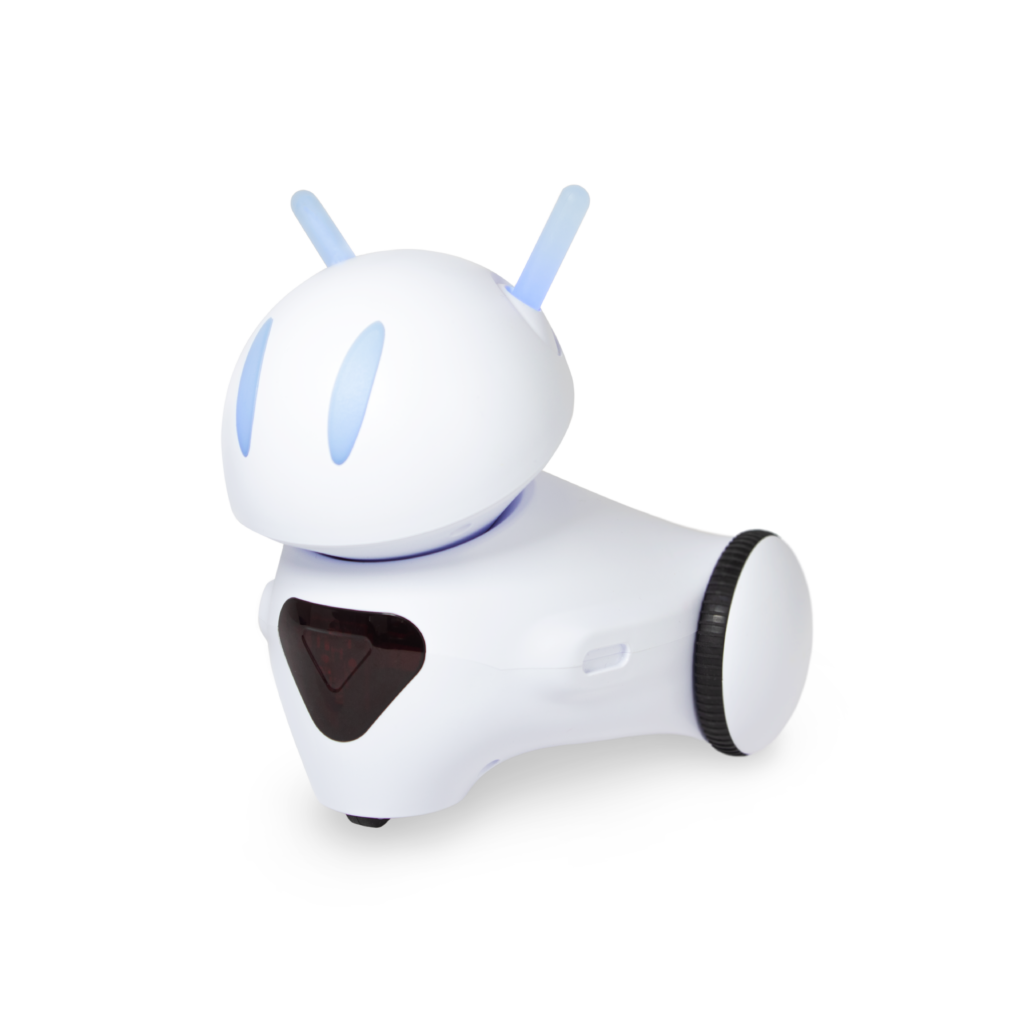
Photon Robot |
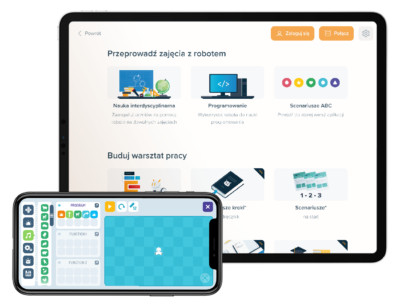
Dedicated Apps |
Professional development |
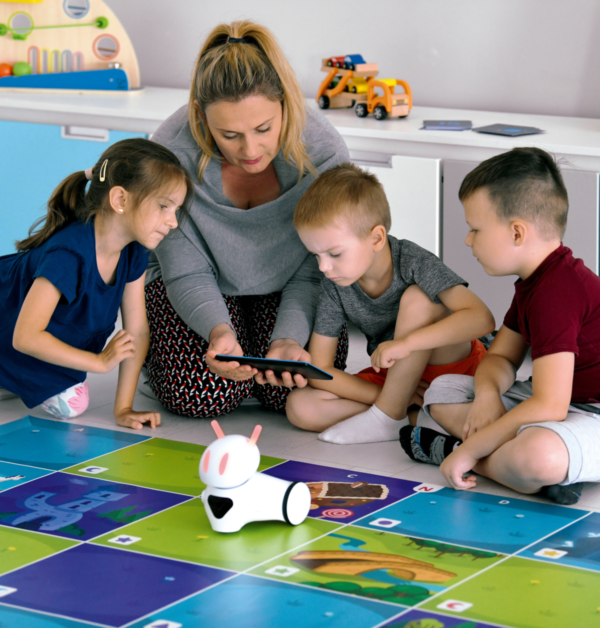 |
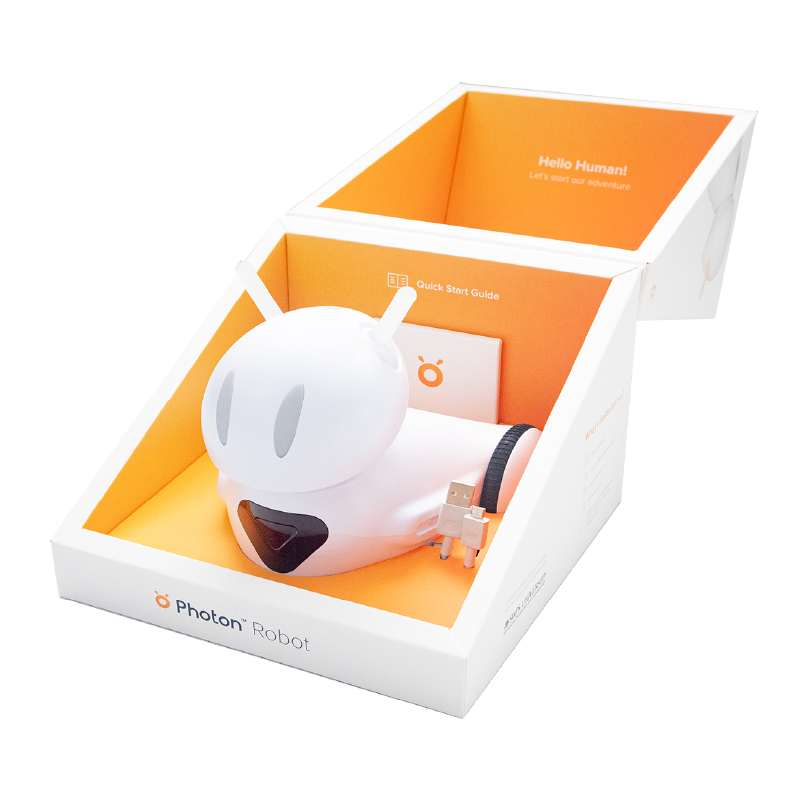
A Universal Didactic Tool Expanding Scientific MindsPhoton Robot helps teachers during everyday school activities. It’s simple to operate thanks to its intuitive mobile and desktop apps. The robot sparks students’ innate curiosity and engages their emotions, keeping them absorbed during every lesson. The robot can move with an accuracy of 0.5 in and turn around its axis with an accuracy of 5 degrees, which makes it a great tool for introducing concepts of measuring angles and geometric figures. Furthermore, by using an attachable permanent marker grip, you can draw any geometrical figure. This creates many opportunities to carry out experiment-based activities on measuring or unit conversion. |
||||
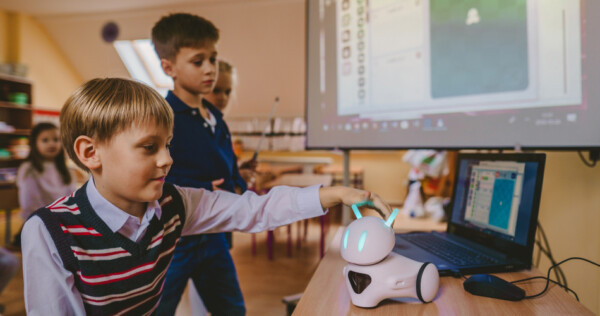
Basics of CodingTeachers receive a complete toolkit that will support both them and their students in programming classes. Thousands of teachers from all around the world have observed increased enthusiasm and involvement among students when working with Photon. |
 |
||||
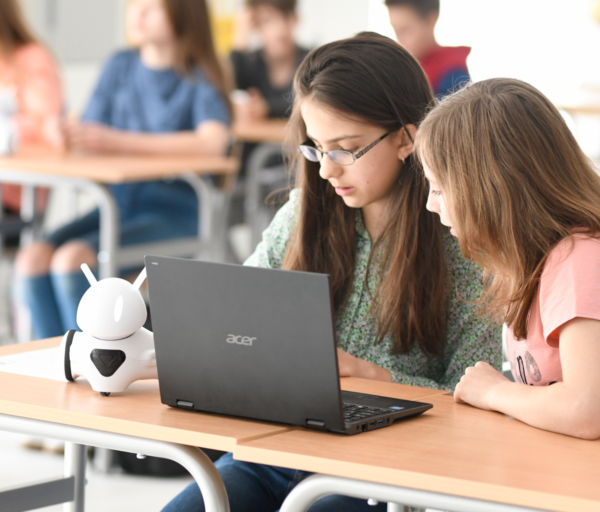 |
Advanced Programming SimplifiedWhen working with our robot, students develop their programming skills by implementing in real life the programs they have created. That way, they grow better acquainted with the technology and have an opportunity to learn scripting languages used by professional programmers. Using the robot stimulates students to create problem simulations, develop the robot’s algorithms, and then test their assumptions in a physical setting.
|
We have developed an innovative step-by-step approach that helps students discover the secrets of programming in a fun, approachable way.
|
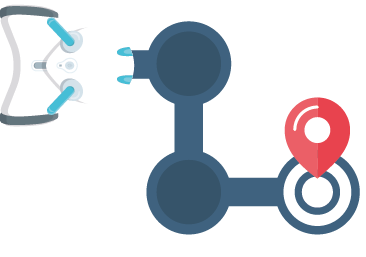
Step 1: Photon Draw Set the robot’s route by drawing it with a finger. Perfect for learning the robot’s basic capabilities. |
Step 2: Photon Badge Program the robot with the help of instructive symbols. Introduce logical planning of the robot’s route |
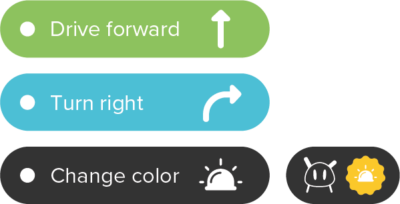 Step 3: Photon Blocks
|
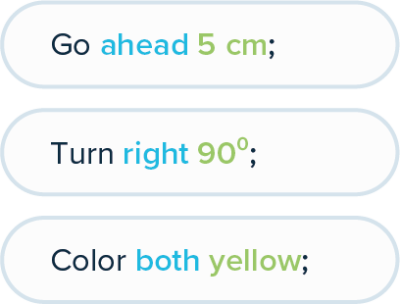 Step 4: Photon Code Arrange text code sequences in form of blocks learned from the previous interface. |
Next Steps? Code Using the Most Popular Tools
Apple Swift |

Javascript |
Python |
Scratch |
| Brand |
|---|