
 |
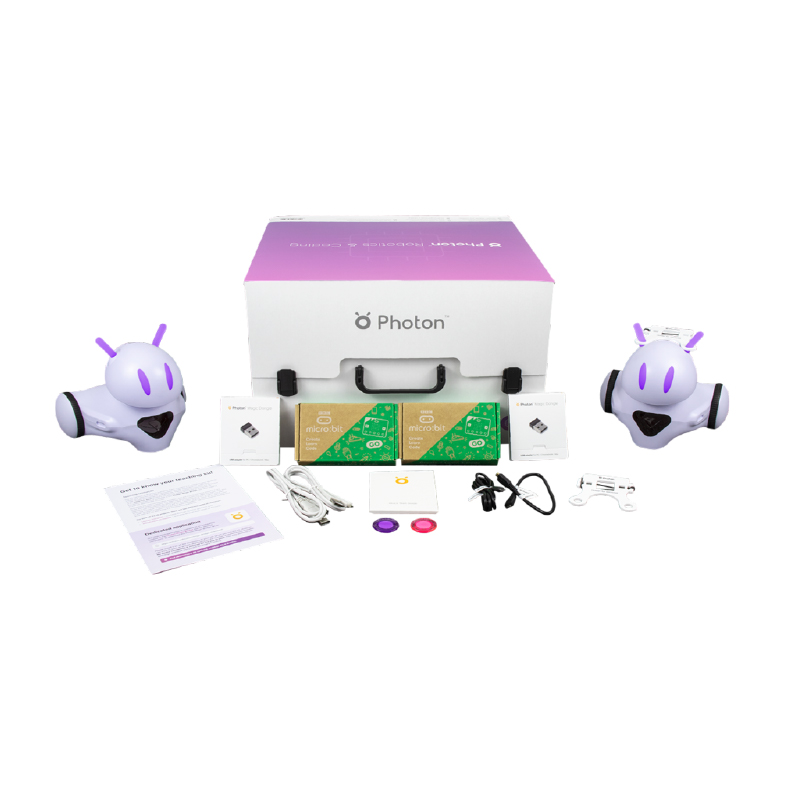
The kit allows for the creation of custom programs in Python and JavaScript. The combination of robot and microcontroller technology allows wireless and serial communication between devices. No device connection is needed for the application to run. |
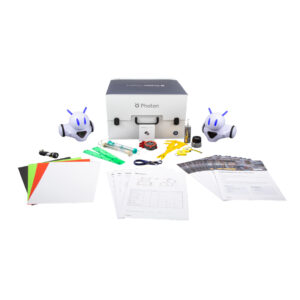
Practical aids.The kit includes as many as 16 projects – each of them provides a unique project that enables students to create a new device, as well as acquire valuable knowledge about the use of similar technologies in everyday life. The materials are available in PDF format can be easily printed at any time. You can find all the materials in the Photon Magic Bridge app after logging in to the appropriate account. Ready-made lesson plans (16) that are fully compatible with the core curriculum and can be easily implemented in the classroom. |
 |
Educational materials: list of the projects included in the kit
| # | Project title | Project description |
|---|---|---|
| 1 | Hello World | Your first Photon robot program |
| 2 | Micro:bit – technology miniaturization | Your firstmicro:bit program |
| 3 | Together we can achieve more! | Photon and the micro:bit interface |
| 4 | Obstacle detection | Motion sensor based on the robot’s data transmission |
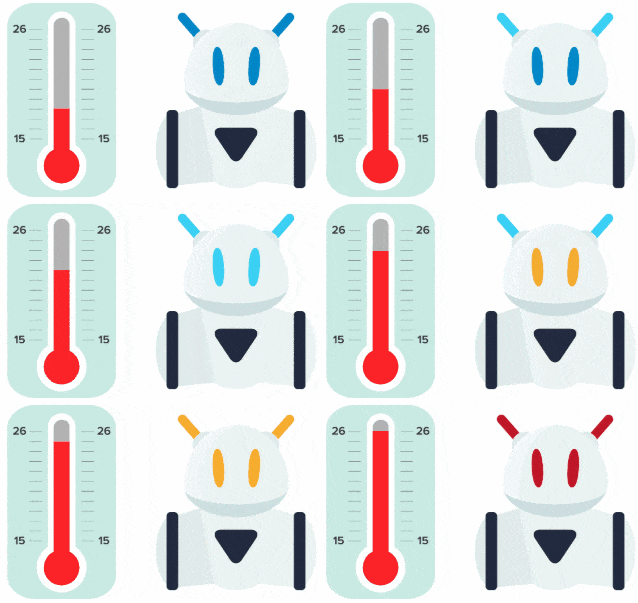
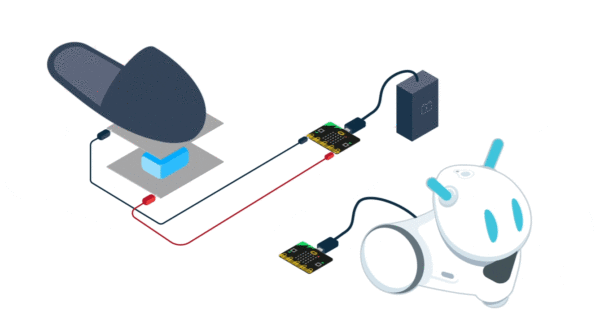
| 5 | Weather station | Weather station (monitor changes in temperature and signal them by changing Robot’s ears color) |
| 6 | Photon Robot on a leash | Manipulator / Remote control for the Photon Robot |
| 7 | Dimmer | Light intensity controller (dimmer) |
| 8 | Remote commands | The Photon robot wireless remote controller (using two micro:bits) |
| 9 | Welcome home (an Internet of Things element) | Multi-resident home activity recognition (using two micro:bits) |
| 10 | Magnetic field | Designing a device that sets the Photon Robot in motion after detecting a strong magnetic field deflection. |
| 11 | Backup light | Build a self-driving vehicle with a parking sensor (use hazard warnings of your choice) |
| 12 | Tea time | A countdown timer for tea brewing (with audiovisual cues) |
| 13 | Multi-sensor alarm | An alarm system using various sensors and Kit components |
| 14 | Music score | A prototype that allows to read black symbols off white surfaces and transcribing them into audio signals |
| 15 | RGB Lights | Color changing controller for the Photon Robot (based on readings from the built-in accelerometer) |
| 16 | Come over to the whiteboard | Programming Photon robots in order to make them produce specific sounds in response to different items on the list, all while using interactive whiteboards or projectors. |
Example project: Weather station
|
 |
 |
Example project: Multi-sensor alarm
|
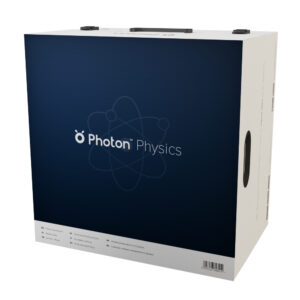
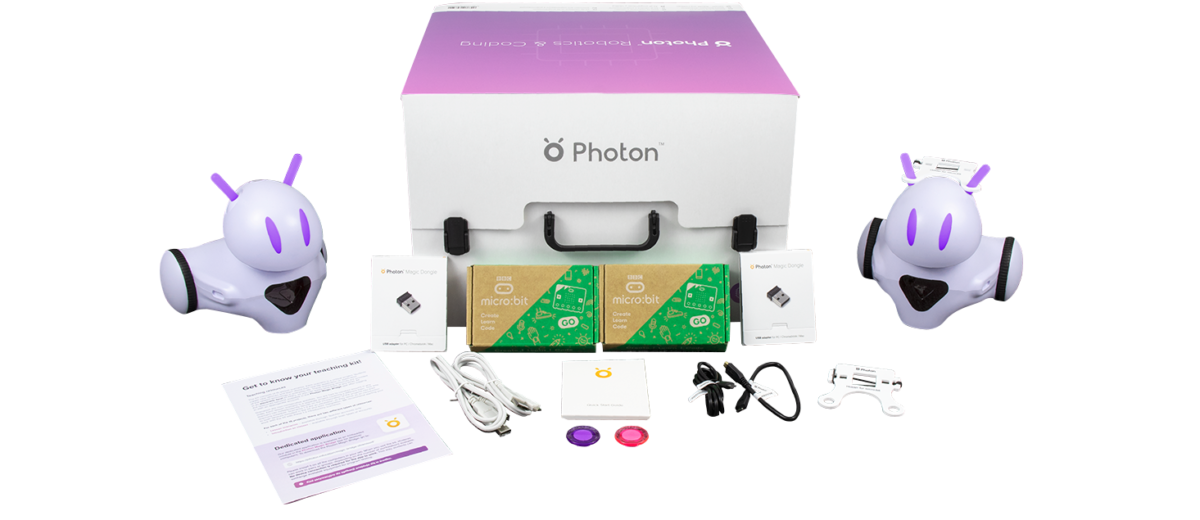
All you needs in one box
 |
|
Dedicated app
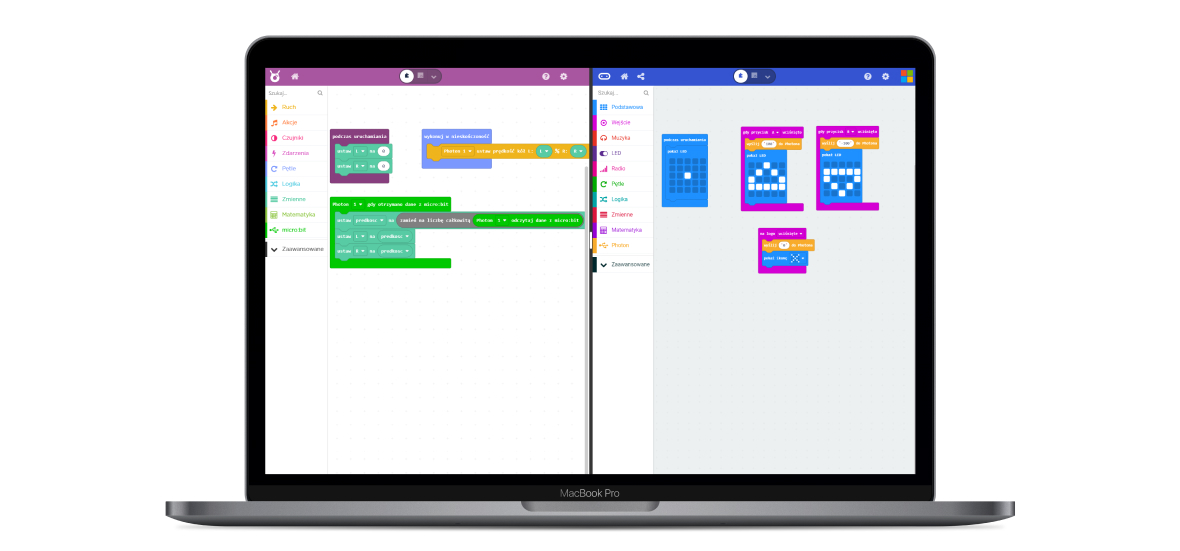
One of the parts of the kit is the dedicated app, which makes teaching easy for teachers and allows them to program the Photon robot and Micro:bit microcontroller simultaneously in a single window!
Two types of accounts – Teacher and Student.
You can activate them on as many computers as you like by entering the correct codes included in your kit.
– A tool that integrates the Photon robot and the micro:bit board. This common programming environment enables convenient program development for both devices.
– Additional materials in one place (including an introduction to the class topic, animations, wiring diagrams, project objectives); to be used also by you during the introduction to the topic.
– Lesson plans with scripts containing example project solutions.
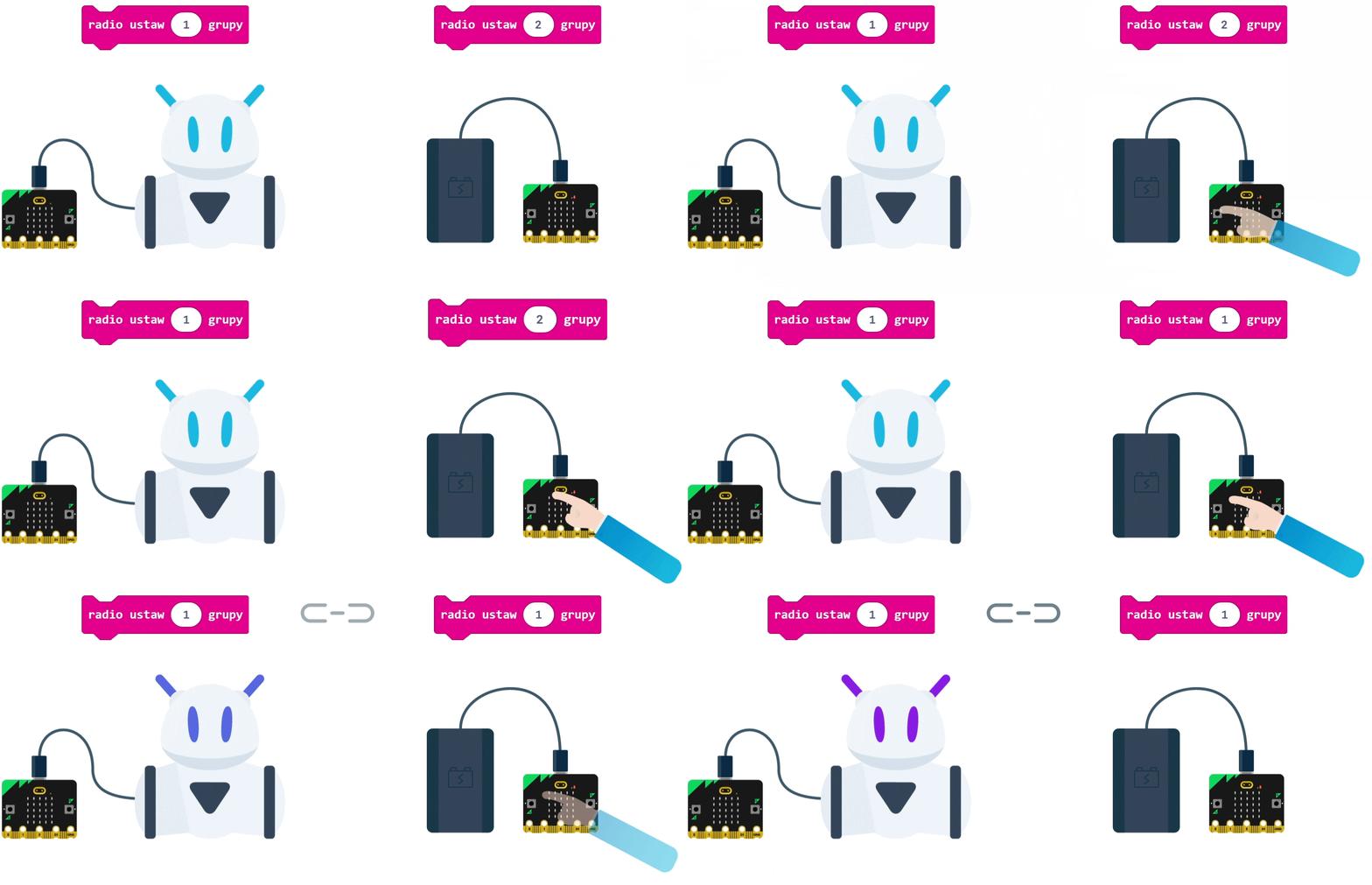 |
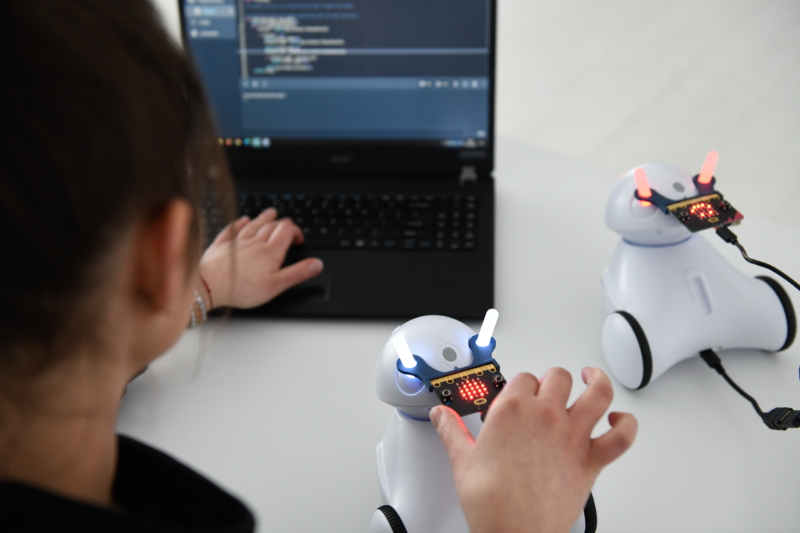
Communication between devicesThe kit provides a high degree of flexibility in teaching and freedom to create unique projects. Micro:bits and robots can be used separately, as well as integrated together. Depending on your needs, the micro:bit interface can be powered by an external battery or directly through a socket in the robot. The micro:bit and the robot can communicate through a serial port (a cable). |
Photon EDU – dedicated app Download APP here
The Photon and micro:bit programming tool is part of the Photon Magic Bridge application. To launch them, download the app on your computer, then in the ”Robotics” section, activate access by entering the code included in the kit.
| Brand |
|---|