
 |
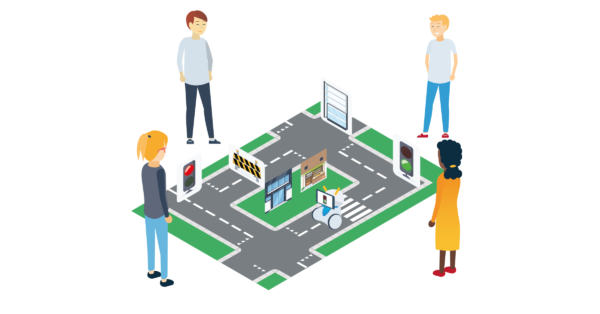
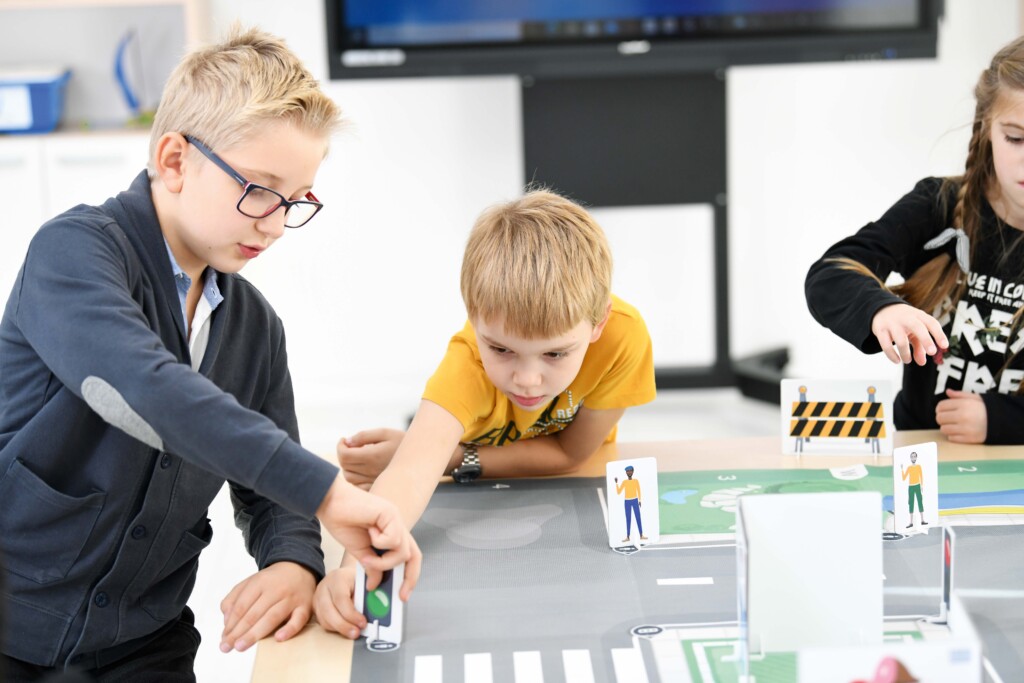
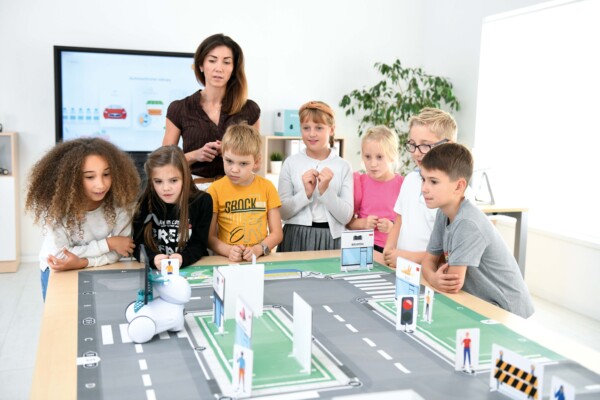
Children use numerous elements that come with the AI kit to create a smart-city model. Over time, they expand their design by adding more buildings and features that the Photon Robot can recognize and interact with. |
Project-based learningThe activities in the AI kit rely on a project-based working method, where the knowledge gained from previous classes is applied in the ones that follow. The kit helps expand the smart city with new elements and features in subsequent classes so that students improve and gain new skills regularly. |
 |
 |
Introduce your children to the concept of a smart cityWith the help of the robot and our app, students will learn how AI recognizes colors, shapes, and objects, how smart checkouts identify products and calculate the value of a shopping cart, and how autonomous vehicles find their way around a city. |
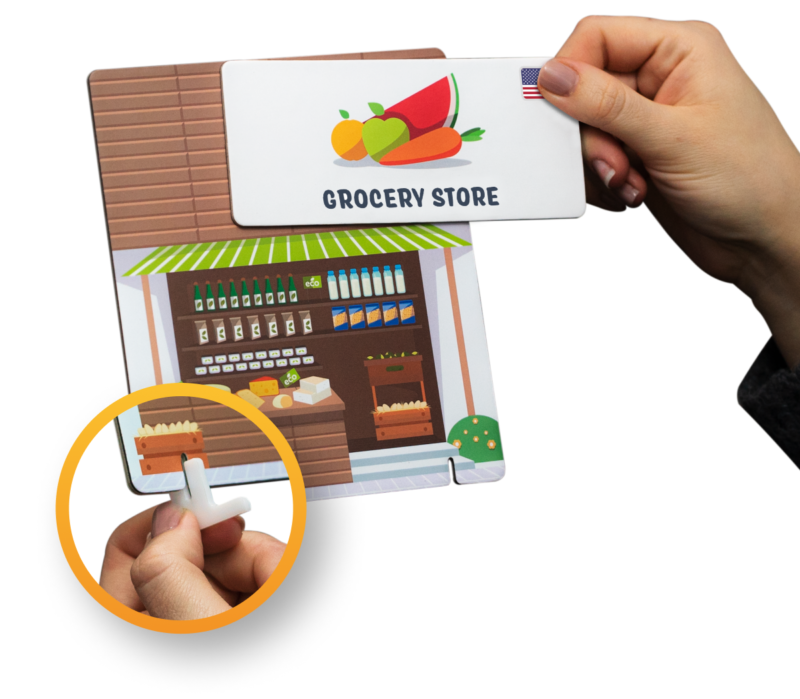
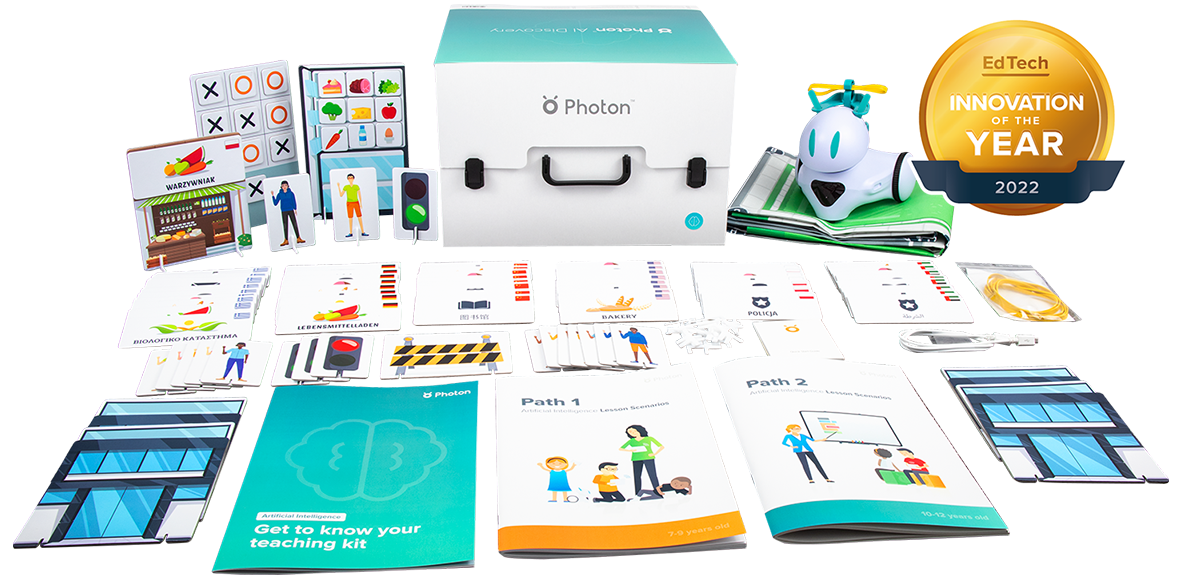
Use of magnetic accessoriesThe set offers elements such as mock-ups of buildings (stores, stalls or public buildings), produce (e.g. fruits, vegetables) and people or equipment (e.g. refrigerator). Many elements have magnetic attachments, making it easy to mount the mock-ups in a school environment. |
 |
The Photon AI Discovery Kit is the world’s first complete kit that introduces students to the fascinating world of AI.
List of topics covered in the AI Discovery Kit
| # | Topic | Path 1 | Path 2 |
| 1 | Data vs. information | ✔ | ✔ |
| 2 | Programming vs. algorithm | ✔ | ✔ |
| 3 | Programming vs. AI | ✔ | ✔ |
| 4 | Image recognition | ✔ | ✔ |
| 5 | Text recognition | ✔ | ✔ |
| 6 | Distinctive features recognition | ✔ | ✔ |
| 7 | Face recognition (theory) | ✔ | ✔ |
| 8 | Machine Learning | ✔ | ✔ |
| 9 | The importance of quantity and quality of training data | ✔ | ✔ |
| 10 | Artificial intelligence – practical applications | ✔ | ✔ |
| 11 | BIAS and the impact of errors on artificial intelligence | X | ✔ |
| 12 | AI and ethics | X | ✔ |
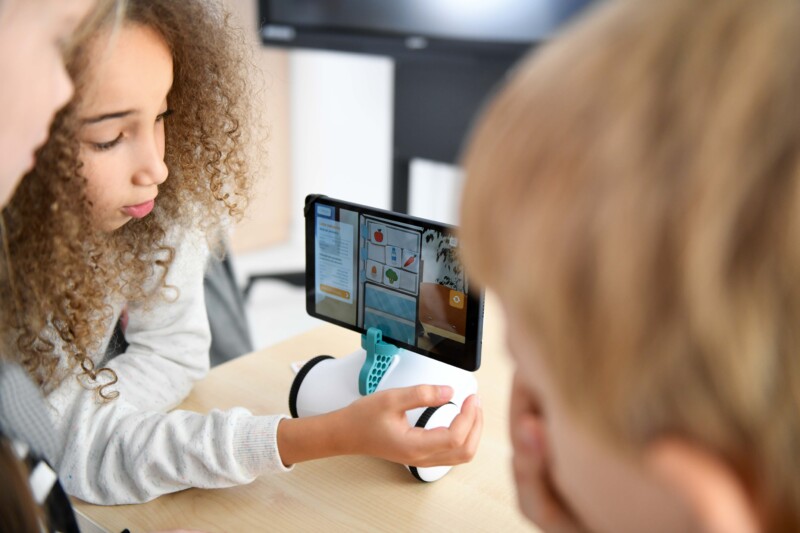
Sample activity: The robot goes shoppingIn this project, the children scan a mock-up refrigerator, so the robot can indicate which essential products are missing and suggest a shopping list. The children / students will also teach the robot in which stores to buy particular products. Based on the association of shopping lists and shopping places, the robot will determine the list of stores it needs to visit. At the end, students test their robots by making it drive around the smart city in search of specific buildings and buy the products missing in their fridge. |
 |
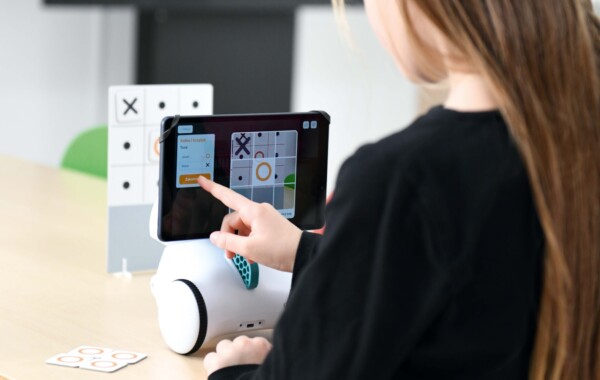 |
Sample activity: Play tic-tac-toe with the robotchildren will learn that robots can play chess and other games, such as tic-tac-toe. Using image recognition tools, students create a gaming robot and teach it to play the ever-popular tic-tac-toe game. At the end of the activity, each child has a chance to challenge the robot in the tic-tac-toe game. The difficulty level (the robot’s ability to make mistakes) depends on how well the students teach the AI, i.e., implement a strategy for each situation. |
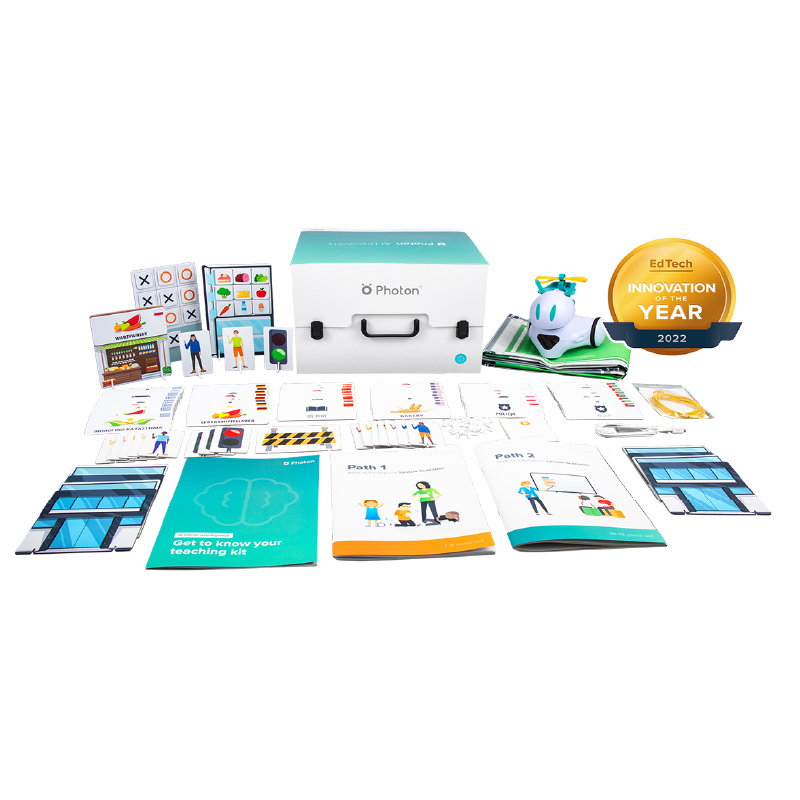
All you needs in one box
 |
|
Dedicated AI app
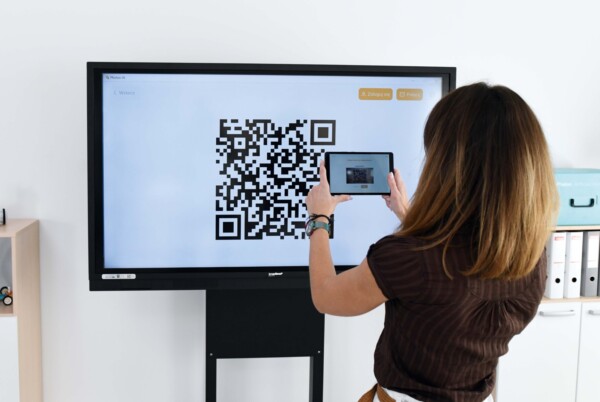
Working with an interactive whiteboardThe AI app allows using an interactive whiteboard or monitor in classrooms. This feature allows teachers to work with a whole group of students simultaneously, doing exercises together and teaching AI on the big screen. The result of the work can be easily and quickly transferred to a mobile device and used in experiments. |
 |
Photon – dedicated app Download APP here
The app is available for mobile devices and PCs. You can introduce your students to the theory and perform AI-based experiments on both types of devices. Hands-on experiments with the robot are only possible with mobile devices. The results of teaching/improving the AI model can also be transferred from a computer to a mobile device.
| Brand |
|---|